
- Use of 10G switches and compatible network cards to make local speed independent of the operator's router speed.
- Implementation of Category 6A or 7 cabling and configuration of Jumbo Frames (MTU 9000) to avoid bottlenecks.
- Need for high-speed SSD or RAID storage to take advantage of 10 Gigabit bandwidth.

Setting up a 10 Gigabit network at home is no longer a dream reserved for system administrators at large corporations or data centers. Today, many tech enthusiasts, content creators, and remote workers are making the leap to 10GbE to eliminate those annoying bottlenecks that slow down workflows, especially when moving large files between computers.
The first thing to clarify is that you don't need your ISP's router to be a technological marvel to enjoy these speeds on your local network. Although most home routers are still limited to 1Gbps, you can set up an ultra-fast internal infrastructure using a 10G switch and the appropriate network cards, enabling your computers and NAS to communicate at blazing speeds without the router interfering with that traffic.
The heart of the network: the 10G Switch
The switch is the fundamental component where everything converges. When choosing one, you'll likely face the dilemma of whether to opt for a managed or unmanaged model . Unmanaged switches are the ideal choice for the average user: they're inexpensive, install in a snap (Plug & Play), and require no configuration. However, if you're someone who wants to control every detail, segment traffic using VLANs, or configure advanced QoS, a managed switch will give you that complete control, although it does involve a steeper learning curve.
Another critical point is the type of ports. 10GbE (RJ-45) ports are the most common and simplest, as they use traditional network cabling. On the other hand, we have SFP+ ports , designed for fiber optic or DAC cables. These are fantastic for interconnecting switches or servers over short distances, and are much cheaper than buying transceivers and fiber separately. There are also so-called Combo ports , which allow you to choose between RJ-45 or SFP+ for the same channel, thus optimizing equipment costs.
For those who don't want to spend a fortune, there are hybrid switches that combine a couple of 10G ports with the rest Gigabit Ethernet or Multigigabit (2.5G). This is a smart strategy if you only have two devices that really need maximum speed, thus avoiding paying for ports you won't use.
Network cards and connectivity in the PC
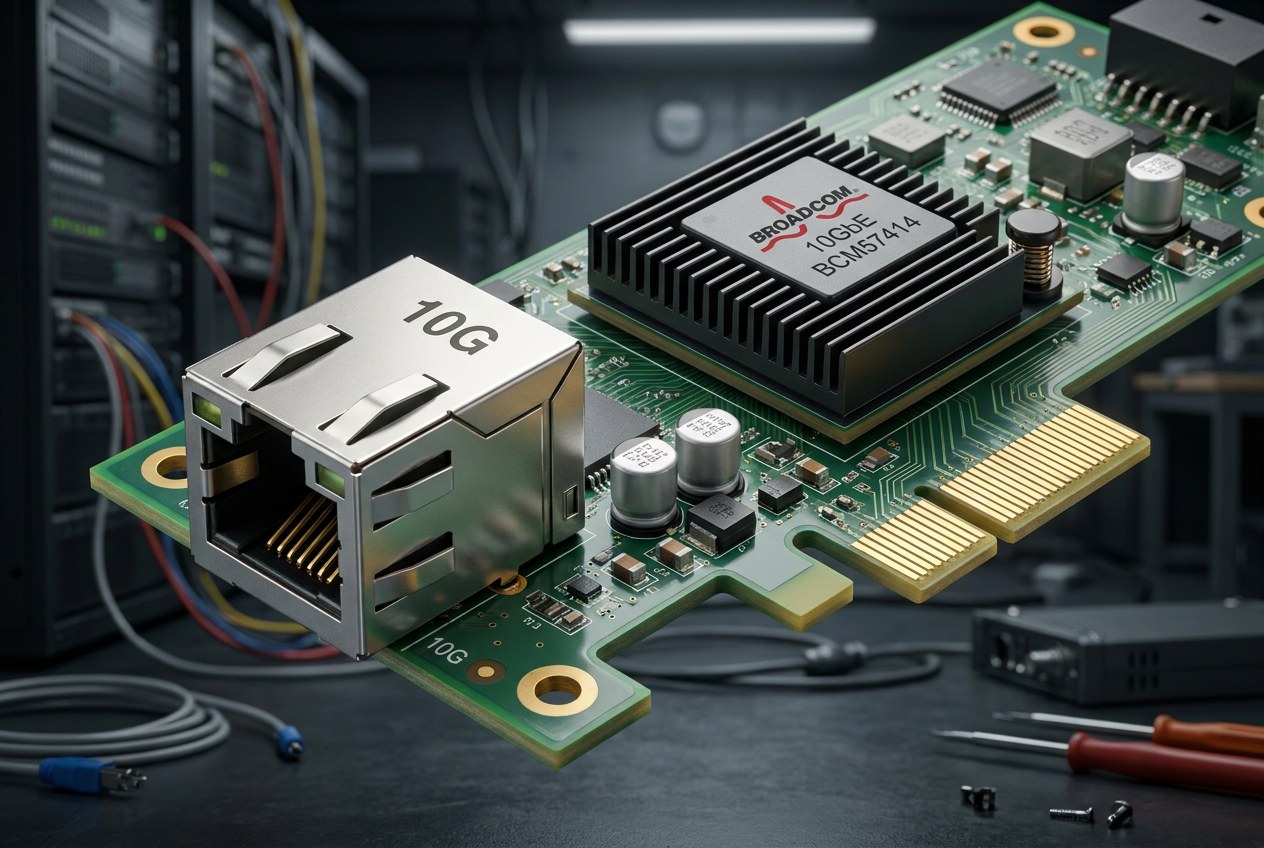
Having a powerful switch is useless if your computer is still only communicating at 1Gbps. This is where 10G network cards come in. For home users, the most practical option is a 10GBASE-T (RJ-45) card , such as those from ASUS or Edimax, which support NBASE-T technology for synchronization at intermediate speeds depending on your cable. It's crucial to ensure you have a free PCI Express x4 slot on your motherboard, as an x1 slot doesn't provide enough bandwidth to achieve a true 10Gbps.
If you're using a laptop or computer without PCIe slots, Thunderbolt 3 or 4 adapters can help, converting a USB 4 connection into a 10GbE LAN port. For NAS servers, brands like QNAP and Synology offer native options or expansion slots to add these cards and take advantage of high-speed mass storage.
The cabling: don't skimp on quality
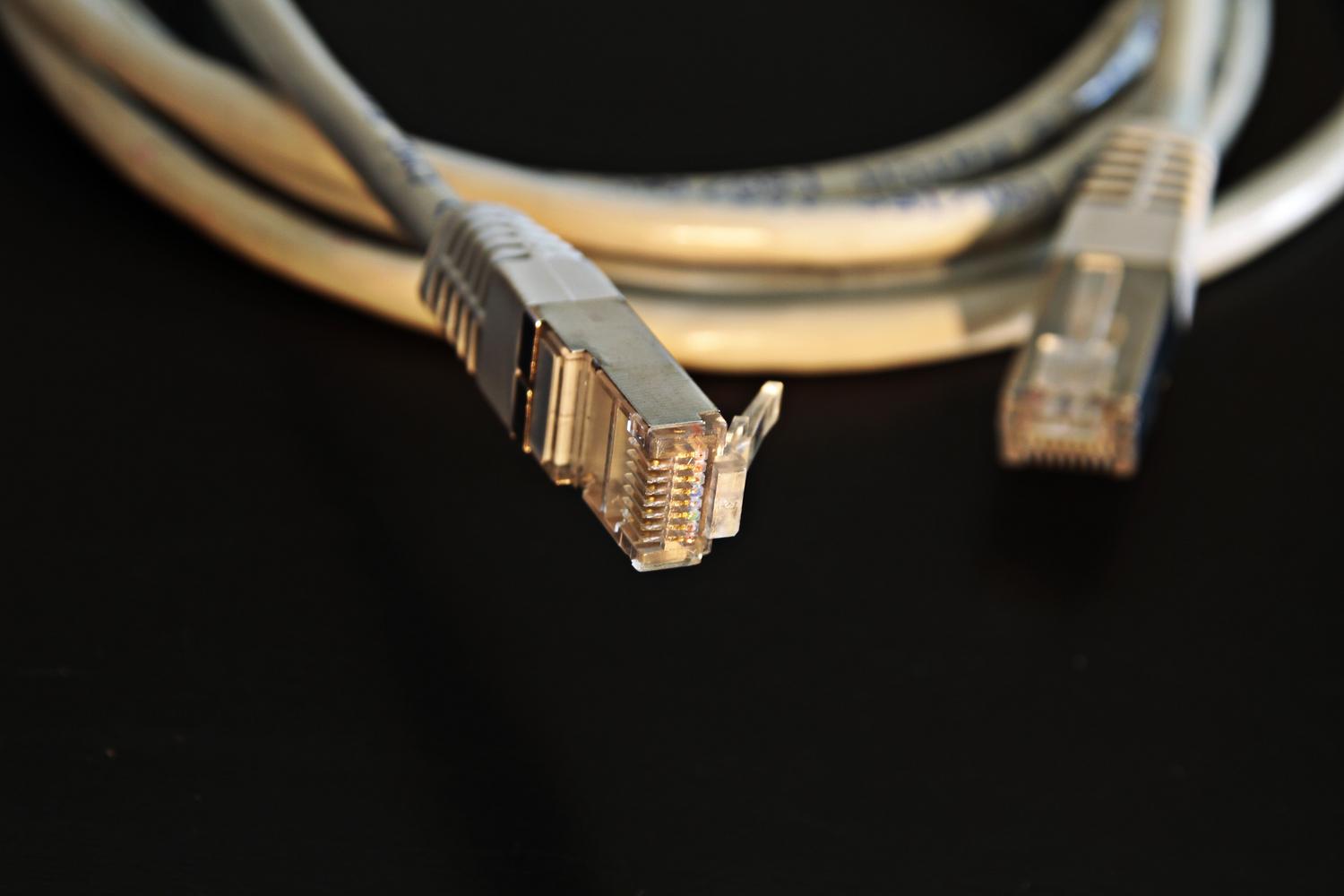
The cable is the path data travels on, and if the path is poor, the speed drops. For 10G networks, the minimum standard is Cat 6 , which can reach 10Gbps over short distances (up to about 37-56 meters). However, if you want to be on the safe side and wire your entire house, it's recommended to upgrade to Cat 6A or Cat 7. Cat 6A guarantees 10Gbps up to 100 meters, while Cat 7 offers superior shielding against interference.
If you choose fiber optic cable, you'll need to select between single-mode for long distances or multi-mode for indoor deployments within buildings. Remember that if you use RJ-45, it's best to buy pre-terminated and shielded cables (S/FTP) to prevent external noise from degrading the signal and reducing your connection's performance.
Performance and storage optimization
Having the right hardware is only half the battle; the other half is configuration. For the network to fly, it's essential to enable Jumbo Frames (MTU 9000) on both the NAS and the computers. This allows for sending larger data packets, reducing the CPU load and maximizing bandwidth efficiency.
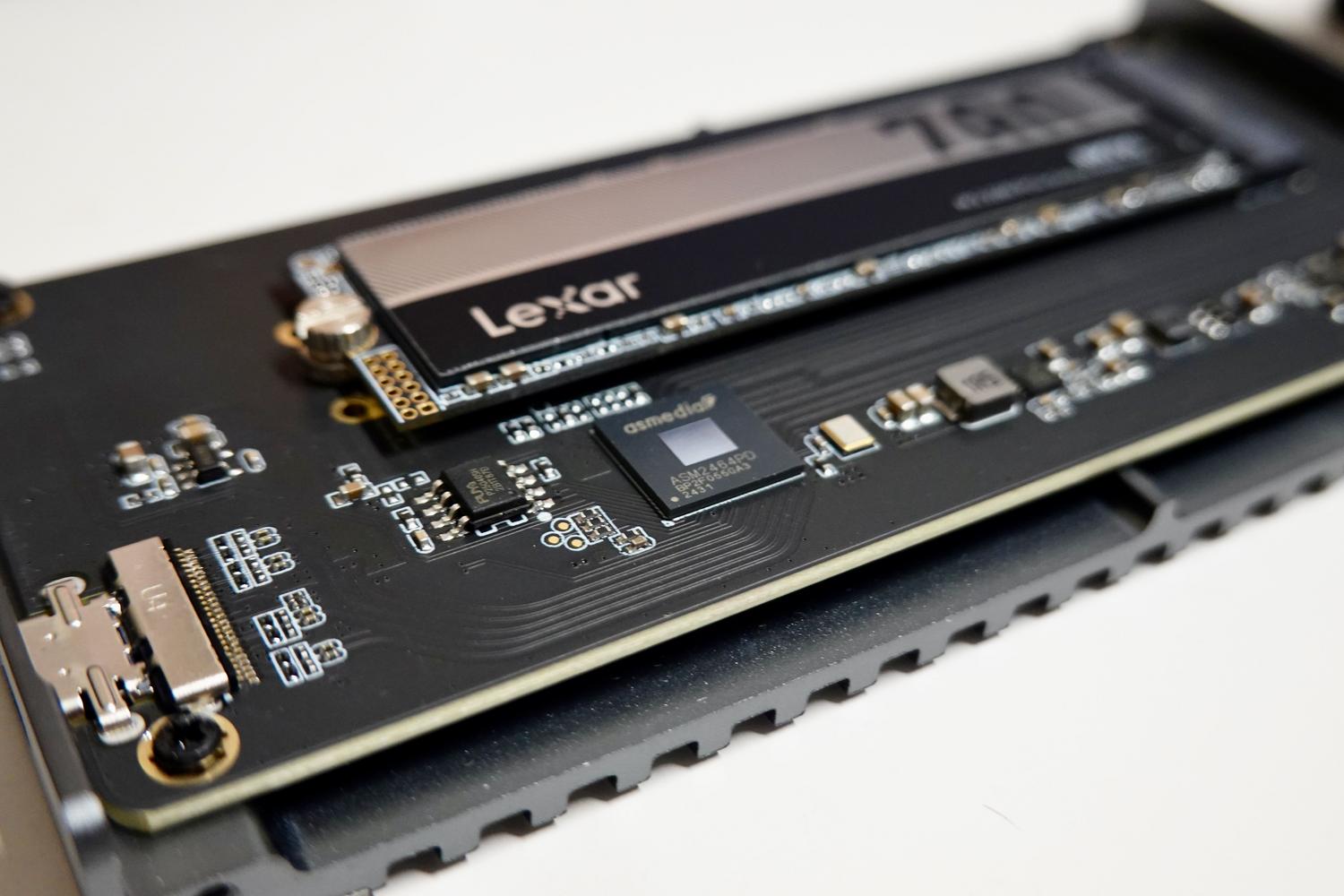
Furthermore, storage must be up to the task. A traditional mechanical hard drive is an insurmountable bottleneck for 10GbE. You need NVMe SSDs or multi-disk RAID 0 configurations to match read and write speeds to the network speed. In NAS devices, a very effective technique is to implement a read/write cache with SSDs in RAID 10, allowing the system to manage data at flash speed before writing it to the mechanical drives.
Use cases and final considerations
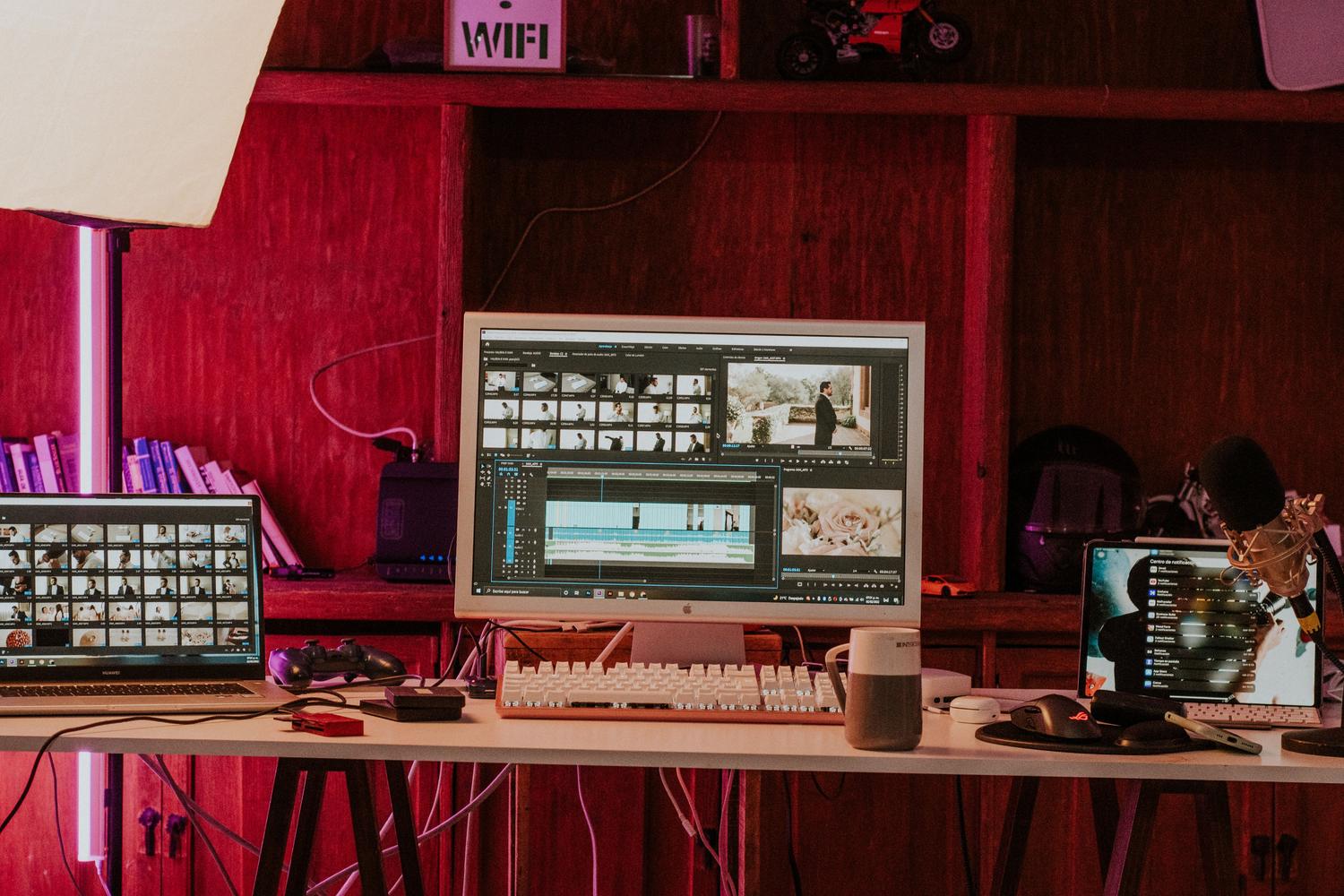
This infrastructure is a paradise for those involved in 4K/8K video editing , artificial intelligence with neural networks, or managing massive backups. While 1Gbps is more than enough for browsing the internet or playing online games, the 10G local network transforms the experience of moving terabytes of data between a PC and a server, making it feel as if the files were on an internal hard drive.
However, it's important to keep in mind that this leap comes with some drawbacks. Power consumption is higher , and noise can be an issue, as many 10G switches require active fans to prevent overheating. Furthermore, the initial investment is considerable, easily exceeding €1.000 if several nodes are equipped with high-end hardware.
Having a 10 Gigabit network involves coordinating a powerful switch, PCIe x4 compatible network cards, Cat 6A or higher cabling, and SSD-based storage with an MTU set to 9000. Although the investment is high and fan noise is a factor to consider, the ability to transfer data at nearly 1.100 MB/s makes any professional workflow instantaneous, preparing the home for future ultra-fast internet connections.